



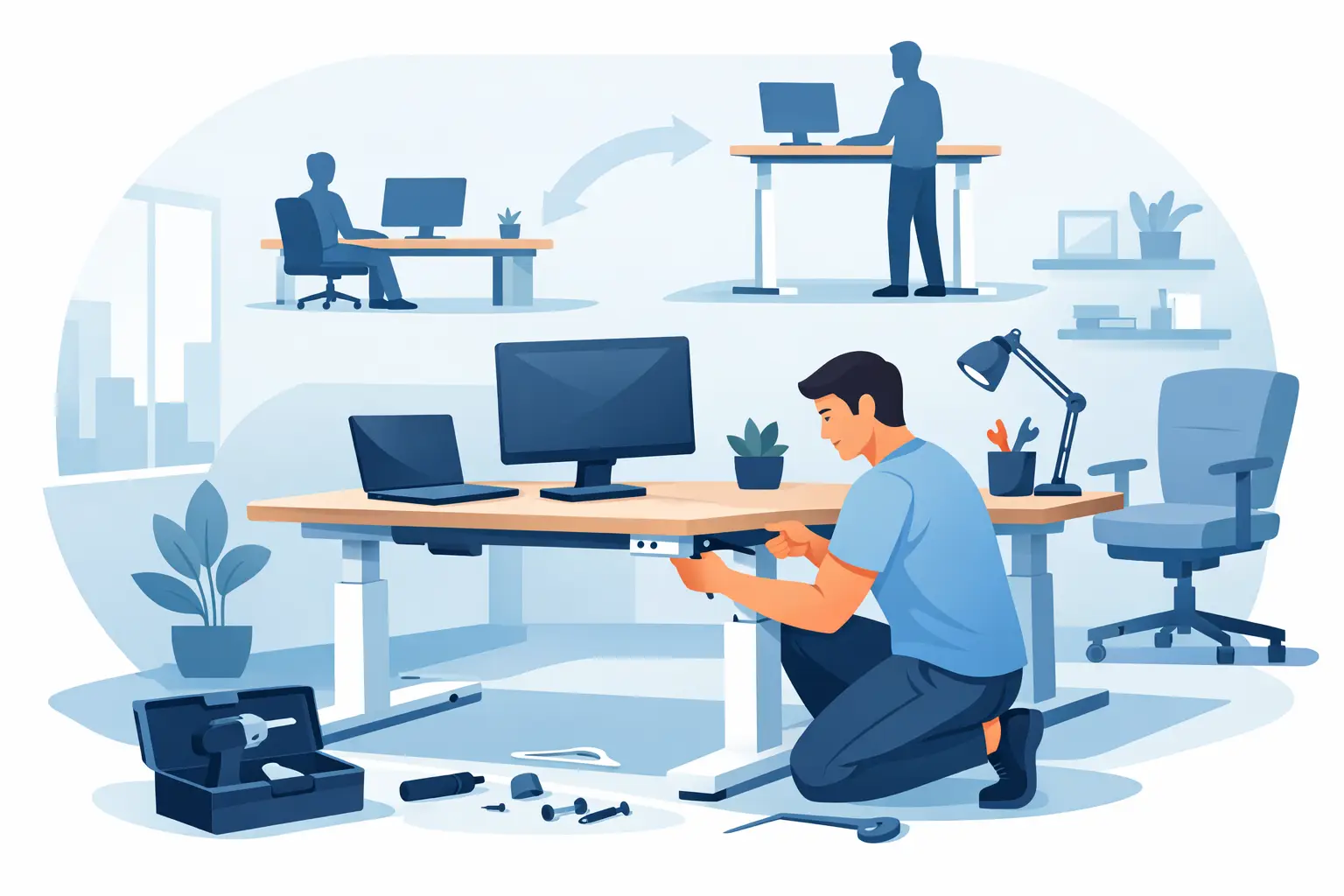
A sit stand desk can improve comfort quickly, but only if the installation is handled properly. Sit stand desk installation is not just a matter of attaching legs and plugging in a control box. In a working office, it affects cable routes, user height range, monitor placement, power access, floor levels, and how people actually move through the space.
That is where many businesses lose time. A desk arrives, someone assembles it in a spare hour, and only later do the problems show up. The desk wobbles at standing height. The cable tray blocks knee clearance. The monitor arm sits too far back. The power lead stretches across a walkway. None of those issues are major on their own, but together they undermine the value of the investment.
Why sit stand desk installation deserves planning
A height-adjustable desk is a moving workstation, not a static piece of furniture. That means the installation has to account for motion, reach, weight, and clearances in a way a standard desk does not. If the desk rises and lowers smoothly but the monitor cables snag, the setup is incomplete. If the frame is rated correctly but the desktop overhang is wrong for the room, the workstation may still be awkward to use.
For office managers and facility teams, the bigger issue is scale. One desk can be adjusted on the spot. Ten or fifty desks across an occupied workplace require a coordinated process. Access windows, staging space, packaging removal, workstation sequencing, and post-install ergonomic checks all start to matter. This is especially true in medical, administrative, and professional office environments where downtime carries a real cost.
What should happen before installation starts
The best installations begin well before the first tool comes out. A proper site review helps confirm room dimensions, access paths, power locations, and any existing furniture that needs to stay in place. It also identifies practical constraints such as uneven floors, wall-mounted services, low partitions, or limited swing space near storage units.
In many projects, the desk itself is only one part of the workstation. There may also be monitor arms, under-desk power, privacy screens, mobile pedestals, CPU holders, or acoustic panels. Each of these affects how the desk should be positioned and assembled. If they are treated as add-ons rather than part of the installation plan, compromises follow.
User requirements also matter more than people expect. A workstation for shared use may need a broader adjustment range and simpler controls. A dedicated executive office may prioritize finish quality and integrated cable concealment. A call center might need consistency across every station. A home office may have tighter spatial limits and less forgiving wall and floor surfaces. Good planning accounts for those differences early.
Sit stand desk installation step by step
The physical installation should follow a clear sequence. Frames need to be assembled to manufacturer tolerances, fasteners torqued correctly, and lifting columns aligned so the desk moves evenly. That sounds basic, but poor frame assembly is one of the main reasons adjustable desks feel unstable later.
Once the base is built, the desktop needs to be fixed accurately, with attention to centered placement, edge clearances, and accessory locations. This becomes even more important with custom tops, corner workstations, or integrated joinery, where a few millimeters can affect usability or appearance.
Power and control components come next. The control box, handset, cable tray, and leads should be mounted in positions that support movement without strain. There should be enough slack for full travel, but not so much that cables hang loose or interfere with knees and storage. In a commercial setting, neat cable management is not cosmetic. It reduces trip hazards, protects equipment, and makes future maintenance easier.
After that, the desk should be leveled, tested through its full height range, and checked under load. If monitor arms, docking stations, or desktop screens are part of the scope, those should be fitted and adjusted at the same time. A desk that passes a basic motor test is not fully installed until the whole workstation performs as intended.
The ergonomic details that make the desk worth having
A sit stand desk is only as good as the working posture it supports. That means installation should not stop at assembly. Keyboard height, monitor position, elbow angle, and screen distance all need to be considered in the final setup.
For most users, the desk should allow seated work with forearms roughly parallel to the floor and feet supported comfortably. In standing mode, the goal is similar – shoulders relaxed, wrists neutral, and the top of the screen at or slightly below eye level. If the desk adjusts but the monitor does not, users often compensate by bending their neck or lifting their shoulders. That defeats the point.
This is where monitor arms, keyboard accessories, and desktop depth become important. A shallow top may look compact, but it can limit proper screen distance. A fixed monitor stand may work for one person and not the next. Ergonomics is not about adding more accessories. It is about choosing the right combination for the task and the user.
Common problems after sit stand desk installation
Most post-install issues are predictable. Wobble at full height can come from an uneven floor, poor frame assembly, or using a desktop size that pushes the frame beyond its ideal stability zone. Cable drag usually means the routing was designed for the seated position only. Collision with pedestals or return units often points to a layout that looked fine on paper but was not tested through the desk’s full range of motion.
Noise is another issue worth mentioning. Some motor sound is normal, but grinding, hesitation, or uneven travel is not. In many cases, the cause is simple – incorrect reset procedure, overloaded equipment, or misaligned components. Still, those are easier to prevent than fix once staff have already moved in.
There is also the question of user behavior. Even a perfectly installed desk can underperform if no one is shown how to use it. Staff should know how to set preferred heights, reset the controls if needed, and transition between sitting and standing without turning the desk into storage space for items that make movement difficult.
When professional installation makes the most sense
Some smaller home office desks are straightforward enough for self-assembly, provided the room is simple and the user is comfortable making ergonomic adjustments afterward. But once the project involves multiple workstations, custom tops, integrated power, or an active workplace, professional installation is the practical option.
The value is not only in faster assembly. It is in coordination. Delivery timing, product staging, packaging removal, workstation positioning, testing, and defect checks all happen in one process. That reduces disruption and avoids the all-too-common handoff problem where each supplier blames the next when something does not line up.
For organizations upgrading an office, there is another advantage. Installation can be planned alongside space reconfiguration, storage changes, partition adjustments, and power access. That integrated approach tends to produce a better result than swapping desks into an old layout and hoping the ergonomics improve on their own.
Absolute Office Comforts approaches sit stand desk projects this way – as part of the wider workspace, not as a standalone item to be dropped into place. That matters when the goal is a workstation that looks right, works reliably, and supports people through daily use.
What to check after the install is complete
Before signing off, it is worth running through a final practical review. The desk should move smoothly from lowest to highest setting without catching cables or touching surrounding furniture. Controls should be easy to reach and programmed if memory presets are available. Monitor arms should hold position without drift. Power access should be safe and tidy.
Just as important, the user should sit and stand at the desk before the job is considered finished. A quick real-world check often catches things that a visual inspection misses. The screen may need to come forward slightly. The keyboard may need to shift. A pedestal may need to move to preserve legroom. Those are small refinements, but they are what turn an installed desk into a usable workstation.
The best sit stand desk installation is the one no one has to think about afterward. It feels stable, fits the space, supports the user, and keeps the workday moving without interruption. If the desk is part of a broader workplace upgrade, getting that foundation right pays off long after the boxes are gone.