



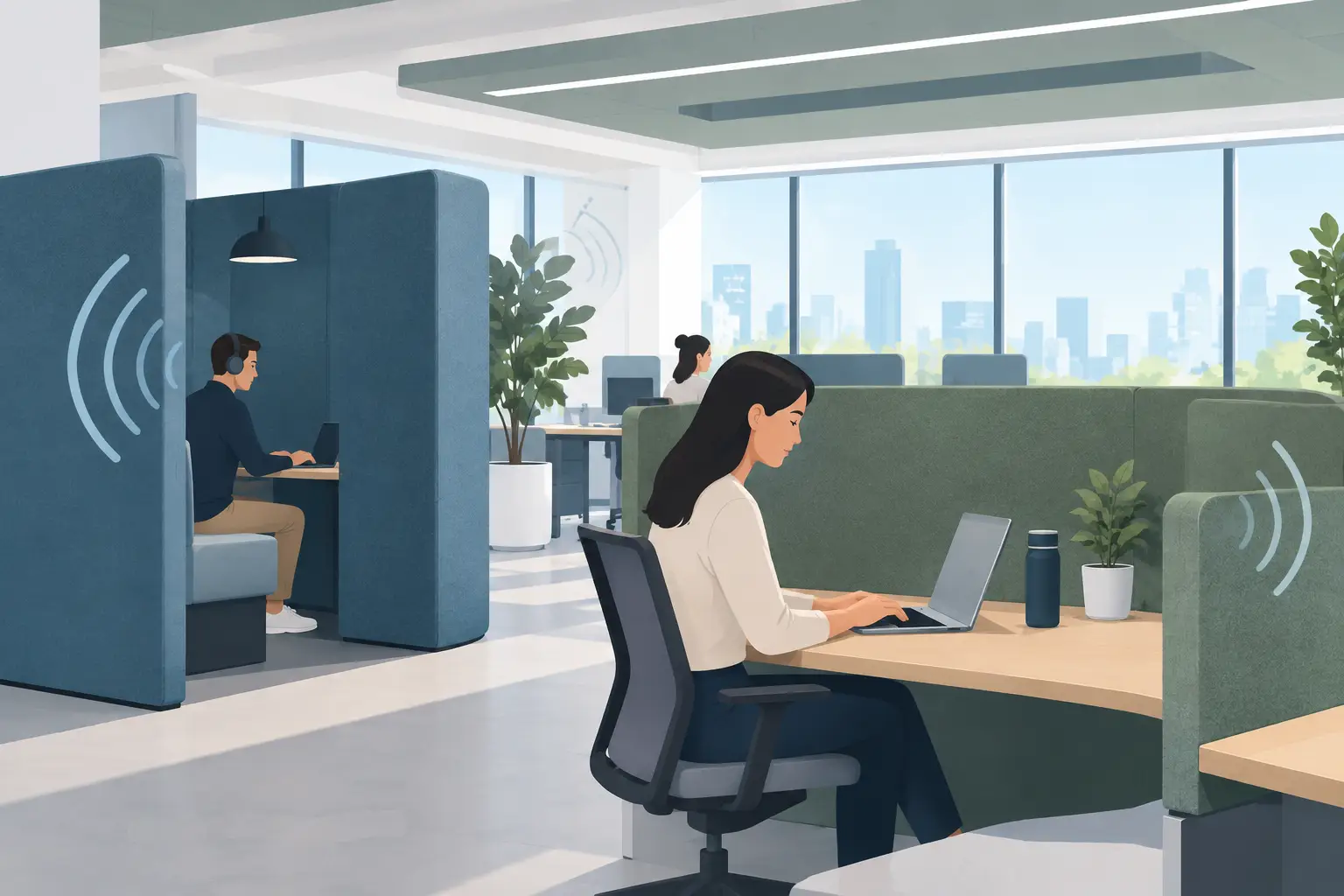
A busy office rarely has just one source of noise. Conversations carry across workstations, video calls compete with nearby meetings, printers interrupt concentration, and hard finishes allow sound to bounce through the room. Acoustic screens address part of this problem at the point where people work. When they are selected and positioned properly, they can improve speech privacy, reduce distraction, and give an open office a more considered sense of order without closing it off completely.
For office managers, facility teams, and business owners, the key is to treat screens as one element of a broader workplace strategy. They are not a substitute for enclosed meeting rooms, good ceiling treatment, or sensible space planning. They are, however, a practical and adaptable way to improve day-to-day comfort in work areas where fixed walls would be too costly, restrictive, or visually heavy.
What Acoustic Screens Actually Do
Acoustic screens are panels designed to absorb a portion of the sound that reaches them while also creating a physical and visual divide between people. They can be desk-mounted, freestanding, mobile, or integrated into furniture systems. Their primary value is usually reducing reflected sound close to desks and interrupting direct lines of sight and conversation between adjacent workers.
This distinction matters. A screen may make an office feel noticeably calmer without making it silent. In open-plan environments, total silence is neither realistic nor always desirable. The aim is to reduce unnecessary noise, limit the spread of intelligible speech, and create conditions where people can focus, take calls, and collaborate with less interruption.
The result depends on the room. A screen in a carpeted office with acoustic ceiling tiles will perform differently from the same screen in a space with polished concrete floors, exposed ceilings, and extensive glazing. Materials, ceiling height, workstation density, and work patterns all affect the outcome.
Acoustic Screens and Speech Privacy
Noise reduction and speech privacy are related, but they are not the same outcome. Sound absorption reduces reverberation, meaning less sound continues bouncing around a room. Speech privacy concerns whether nearby people can understand a conversation. A desk screen can assist with both, but it cannot create full confidentiality where employees sit shoulder to shoulder in a large open area.
For teams handling client information, HR matters, financial data, or medical discussions, the right answer may include private offices, enclosed consultation rooms, or dedicated phone booths. Screens still have a role around general workstations, reception counters, and shared administration areas, but expectations should be realistic.
Height is particularly important. Low panels can provide visual definition and absorb some sound, while taller panels offer a greater barrier between seated workers. Taller is not automatically better, though. Panels that are too high can reduce daylight, obstruct supervision, and make a workplace feel fragmented. The best specification balances acoustic performance with visibility, airflow, and the culture of the team using the space.
Choosing Acoustic Screens for Your Office
The first decision is whether the screen needs to be fixed or flexible. Desk-mounted panels suit permanent workstation layouts and deliver a clean, integrated result. Freestanding screens work well where departments change regularly, where teams need temporary project zones, or where a lease arrangement calls for furniture that can move with the business.
Material selection should go beyond color. Fabric-wrapped acoustic panels are popular because they soften a commercial interior and offer broad finish options. Felt-style panels can bring texture and a contemporary appearance, while glazed screens may preserve sightlines and daylight but generally contribute less sound absorption than fabric-based alternatives. Some projects use a combination: acoustic panels between desks and glazed partitions around areas that need connection without full enclosure.
Ask how the product is made and how it will stand up to daily use. In a high-traffic office, panel edges, brackets, and bases need to tolerate chairs, bags, vacuuming, and frequent cleaning. Locally manufactured screens can also make it easier to match dimensions, fabrics, workstation finishes, and replacement components to the project rather than working around standard imported sizes.
A useful specification discussion should cover panel thickness, acoustic properties, upholstery suitability, fire requirements, cleanability, and mounting method. It should also consider cable access and monitor arms. A screen that looks effective in a showroom can become inconvenient if it blocks power access, conflicts with sit-stand desks, or restricts the adjustment range of an ergonomic monitor setup.
Match Screen Height to the Work Being Done
For focused individual work, a screen that rises above seated eye level can help reduce visual movement and direct speech from neighboring stations. For collaborative teams, lower screens may be preferable because people can communicate easily without standing or walking around panels. Customer-facing administration areas often need a more tailored approach, combining privacy for staff with an open, welcoming presentation for visitors.
There is no universal screen height for every office. The right choice follows the desk type, seating posture, task mix, and the degree of privacy required. This is why measuring existing workstations and observing how the space is used before ordering is more valuable than selecting panels solely from a product image.
Placement Matters as Much as the Product
Acoustic performance is often lost through poor placement. Screens are most effective when they address the paths noise takes between people. Positioning them between facing or side-by-side workstations can reduce direct conversation transfer and visual distraction. Using panels to define the edge of a workstation neighborhood can also prevent noise from spilling as freely into adjacent zones.
Avoid treating screens as random furniture accessories. If a bank of desks sits beside a busy circulation path, consider how the screen arrangement can create a buffer without trapping staff or narrowing walkways. If video calls are common, locate call-heavy staff away from concentrated quiet-work areas where possible. A screen can support zoning, but it cannot compensate for placing incompatible activities directly beside each other.
Mobile screens are especially useful in multipurpose offices. They can provide a temporary boundary for training, project work, or visiting staff, then be moved aside when the room needs to operate differently. Their trade-off is that they require storage, careful base selection, and a team willing to use them consistently.
Include Screens Early in a Fit-Out Plan
Acoustic screens are easier to specify well when they are considered alongside desks, storage, meeting spaces, lighting, flooring, and ceiling finishes. Leaving them until the end of a project often leads to panels that do not align with desk runs, interfere with cables, or fail to address the actual noise hotspots.
During a workplace planning phase, it is useful to identify where concentrated work, collaboration, phone calls, visitor interaction, and confidential discussion will occur. Those patterns should guide the layout before furniture is manufactured or installed. In a medical administration space, for example, reception privacy and patient communication may be the priority. In a professional services office, the focus may be on reducing distraction between teams while providing enough shared space for informal discussion.
Absolute Office Comforts can coordinate acoustic screen selection with custom workstations, storage, and wider fit-out requirements, helping ensure that panel sizes, finishes, ergonomic clearances, and installation details work together. This integrated approach reduces the common problem of adding mismatched screens after an office is already occupied.
Common Mistakes to Avoid
The most common mistake is expecting a few panels to solve a room-wide acoustic issue. Where a space has hard flooring, exposed services, high ceilings, and many people on calls, broader acoustic treatment may be required. Screens should be part of the solution, not the entire plan.
Another issue is selecting screens only for their appearance. A light, decorative divider may improve the look of a desk bank but offer limited sound absorption or privacy. Conversely, heavily screened workstations can make a bright, collaborative office feel enclosed. Consider performance, durability, and employee experience together.
Finally, do not ignore maintenance. Choose fabrics and finishes that suit the environment, particularly in reception areas, medical settings, or shared desks where cleaning is frequent. Confirm how panels can be repaired, reupholstered, or replaced if the office layout changes or individual components are damaged.
A Better Starting Point for a Quieter Workplace
The right acoustic screen is not simply a panel between two desks. It is a practical tool for shaping how people concentrate, speak, move, and feel within a workplace. Start with the noise patterns employees experience every day, then design the furniture layout and acoustic measures around the work that needs to happen there. That approach produces a calmer office without sacrificing the flexibility that made open-plan work attractive in the first place.