



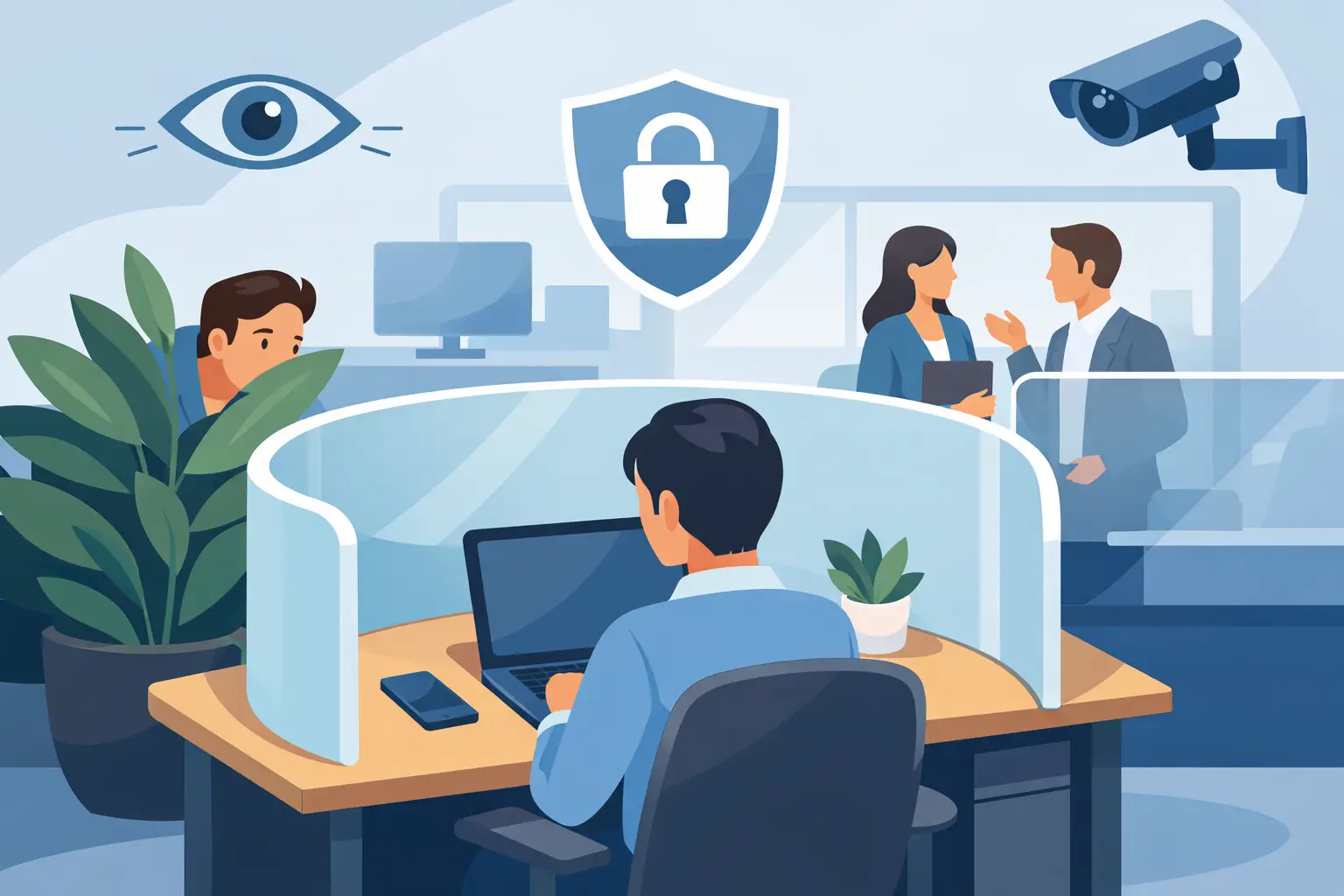
A workstation can look orderly and still leave employees exposed. A monitor faces a busy aisle, conversations travel across low partitions, and paperwork sits within view of every passerby. These are not minor inconveniences. They affect concentration, confidentiality, comfort, and the confidence people have in their workplace.
Knowing how to improve workstation privacy starts with recognizing that privacy is not the same as isolation. The goal is to give people enough visual, acoustic, and personal control to perform focused or confidential work, while preserving the access and collaboration the business needs.
Start With the Type of Privacy Your Team Needs
Before ordering screens or changing a layout, assess how work actually happens. A customer service team handling payment details has different requirements from a creative team that spends much of the day sharing ideas. Executives may need visual discretion for documents and calls, while hybrid staff may need a quiet background for video meetings.
There are three practical forms of workstation privacy to consider. Visual privacy prevents screens, papers, and work activity from being easily seen. Acoustic privacy reduces speech distraction and limits how far conversations carry. Personal privacy gives employees a sense of ownership and control over their immediate work area.
Most offices need a combination. A high partition may block sightlines but do little if sound travels freely overhead. A quiet room can solve sensitive calls, but it does not address a desk positioned where everyone can see the monitor. A proper workplace assessment identifies the actual exposure points before a furniture solution is specified.
How to Improve Workstation Privacy Through Layout
Workstation orientation is often the fastest privacy improvement available. Avoid placing monitors directly toward corridors, reception areas, entry doors, or circulation paths. Turning a desk even slightly can limit casual screen viewing without changing the entire floor plan. Where desk orientation cannot change, monitor privacy filters may be appropriate for staff working with sensitive records.
Create a clear distinction between active circulation zones and focused work zones. Employees should not need to walk behind colleagues to reach printers, storage, meeting rooms, or shared equipment. When heavy foot traffic runs through workstation neighborhoods, distraction increases and visual privacy disappears.
Cluster teams according to how they work, not simply by headcount. Teams with frequent collaboration can sit closer to shared tables and project zones. Roles that involve financial data, patient information, HR matters, legal documentation, or concentrated analysis should be positioned away from visitor paths and high-traffic areas.
This is also where custom planning matters. Standard benching layouts can be efficient, but they are not automatically suitable for every department. A tailored configuration can use desk direction, return work surfaces, storage, screens, and circulation spacing to support the specific tasks taking place in each zone.
Use Screens That Match the Workstation
Desk-mounted privacy screens are one of the most effective ways to create a sense of separation without constructing permanent walls. The best choice depends on the desk system, employee tasks, ceiling height, natural light, and the degree of privacy required.
Low screens preserve visibility across a team and work well where people need to interact frequently. Mid-height screens provide a stronger visual boundary when staff are seated, making them suitable for general administrative work and open-plan offices. Higher panels can be useful for focused roles or sensitive work, but they should be used carefully. If every workstation is fully enclosed, the office can feel darker, disconnected, and harder to supervise.
Fabric-covered acoustic screens offer an additional benefit by absorbing some sound within the workstation area. Glazed or translucent screens allow light to move through the space while providing modest visual separation. Solid panels provide greater visual control but need to be balanced against light levels and the overall feel of the office.
A screen should also be proportionate to the user and work surface. A panel that is too low does little to block visual distractions. One that is too tall for a small workstation can make the area feel confined. Custom-manufactured workstations and screen systems allow dimensions, finishes, cable access, and privacy levels to be coordinated rather than added as an afterthought.
Do Not Forget the Gaps Between Desks
Privacy problems often occur at the ends of workstations. A long run of desks may have center dividers but no end panels, leaving the first and last employees exposed to walkways. End screens, modesty panels, planter dividers, or strategically placed storage can close these sightlines without making the entire office feel partitioned.
Improve Acoustic Privacy Beyond the Desk
Visual barriers alone will not solve an office where every phone call is audible. Hard surfaces such as glass, concrete, tile, and exposed ceilings can make open environments lively but noisy. Sound reflects around the room, and employees compensate by speaking louder.
Address acoustics across the fit-out. Acoustic desk screens, wall panels, ceiling treatments, carpet, upholstered seating, and curtains can all reduce reflected sound. The right combination depends on the room volume, surface finishes, and the type of noise causing the issue. A small office with constant calls may benefit from phone booths or enclosed focus rooms, while a large workplace may need a broader acoustic treatment strategy.
Provide an alternative space for work that cannot be handled at a desk. Small meeting rooms, private offices, focus rooms, and enclosed call booths give employees somewhere to take a confidential call, join a video meeting, or complete detailed work. They are especially valuable in medical, professional services, finance, and human resources environments.
One useful rule is simple: do not design the open office to carry every kind of work. Workstations can support daily tasks and informal collaboration, but sensitive conversations deserve a dedicated setting.
Give Employees Secure, Useful Storage
Personal and confidential materials should not have to remain on open desktops. Mobile pedestals, lockable drawers, credenzas, and integrated overhead storage help employees clear their work surface while keeping essential items close at hand.
Storage also creates physical boundaries. A low credenza behind a desk can define a workstation and reduce exposure from a rear walkway. Lockable storage is particularly relevant where staff handle contracts, client files, medical records, devices, or personal belongings.
The key is to specify storage that supports daily behavior. If filing is too far away, too small, or difficult to access, people will return to stacking documents on their desks. During a workstation review, consider what needs to be stored, how often it is accessed, and whether it requires secure containment.
Support Privacy With Ergonomics and Technology
A private workstation should also be comfortable to use. Screens, monitor arms, desk height, task lighting, and cable management all influence whether an employee can position themselves effectively. For example, a monitor arm makes it easier to angle a screen away from passing traffic while maintaining an ergonomic viewing distance.
Cable management matters more than it may seem. Exposed cables and power boards limit furniture placement, create visual clutter, and make future reconfiguration difficult. Integrated power and data access allow workstations to be arranged around privacy needs rather than the location of a wall outlet.
Technology policies should support the physical design. Employees handling confidential information may need automatic screen locking, clean-desk expectations, secure print release, and clear guidance about where sensitive calls should be taken. Furniture cannot replace sound operational practices, but it can make those practices much easier to follow.
Plan Privacy Into New Fit-Outs and Refurbishments
The best time to resolve privacy is before furniture is installed. During planning, map where visitors enter, where staff circulate, which teams handle confidential information, and where noise is likely to build. Consider daylight, meeting room demand, power locations, storage requirements, and future team growth at the same time.
For an existing office, begin with targeted improvements rather than assuming a complete rebuild is necessary. Reorienting desks, adding acoustic screens, introducing lockable storage, and creating one enclosed call area can deliver a noticeable change. If the underlying layout is working against the business, a refurbishment may provide better long-term value than repeated minor fixes.
Absolute Office Comforts can coordinate workstation design, locally manufactured furniture, acoustic and privacy elements, installation, and broader fit-out works as one planned solution. That approach reduces the risk of purchasing individual items that do not fit the layout, the work style, or each other.
A private workstation should not make people feel cut off. It should let them handle focused tasks, sensitive information, and everyday conversations with less distraction and more confidence. Start by observing where privacy breaks down during a normal workday, then design the right level of separation around the work that matters most.